Handles front-to-back slopes
Enter front and rear depth to estimate a sloped aquascape instead of assuming the substrate bed is flat.
Calculate gravel, sand, or aquasoil volume, weight in kg/lb, and bags to buy from tank footprint, slope, and your product’s bulk density.
Enter front and rear depth to estimate a sloped aquascape instead of assuming the substrate bed is flat.
Use it as an aquarium gravel calculator, sand calculator, or aquasoil calculator with bags sold by volume or weight. Weight estimates require the product’s bulk density.
Choose liters, US gallons, UK gallons, kg, or lb for the bag size. The calculator rounds the required bag count up; any extra allowance is your choice.
Aquascape planning guide
Substrate depth affects plant roots, hardscape stability, visual slope, and budget. Use this aquarium substrate calculator to turn tank footprint, front depth, rear depth, and bag size into a practical buying estimate for gravel, sand, aquasoil, or planted tank substrate.
Worked examples, not product recommendations. Both use a hypothetical bulk density of 1.25 kg/L; enter the density of the substrate you are buying. On small screens, swipe the table sideways to see all columns.
| Tank footprint | Front / rear depth | Volume | Weight at 1.25 kg/L | Bags to buy |
|---|---|---|---|---|
| 60 × 30 cm | 4 / 4 cm | 7.2 L | 9 kg / 19.84 lb | 2 × 5 L or 2 × 5 kg |
| 90 × 45 cm | 3 / 7 cm | 20.25 L | 25.31 kg / 55.8 lb | 3 × 9 L or 3 × 10 kg |
The calculator estimates the average substrate depth from the front and rear depth, then multiplies that by the tank footprint. The result is a volume estimate for the material layer.
Volume in liters = length × width × average depth in centimeters ÷ 1000. Weight in kg = liters × bulk density in kg/L; pounds = kg ÷ 0.45359237. Bags required = required volume or weight ÷ bag size, rounded up.
This is useful when comparing 5 liter aquasoil bags, gravel sold by volume, or sand products where the label lists how much each bag covers.
Low-maintenance aquariums can use a shallower bed, while rooted plants usually benefit from more depth. A common aquascaping approach is a lower front depth and a taller rear slope.
Deep areas can help with plant roots and perspective, but very deep beds should be planned carefully so detritus and anaerobic pockets do not become maintenance issues.
Different substrates settle differently. Fine sand can compact, aquasoil can break down over time, and gravel can leave more open space between pieces.
Because of that, the result is best used as a buying estimate rather than an exact final weight. For detailed aquascapes, buy a small buffer so you can fill gaps around rock, wood, and planting zones.
For bags sold by weight, enter the manufacturer’s bulk density or calculate it from the package’s kg and liter values. Use bulk density, including spaces between grains, rather than the density of the solid mineral. Keep moisture conditions consistent with the bag label. If you do not know the density, use volume-only mode or ask the supplier for coverage.
A flat two centimeter layer uses much less material than a scape that rises from two centimeters in the front to ten centimeters in the back.
Entering both front and rear depth gives a better planning number for nature aquarium layouts, planted tank hills, and hardscape-supported slopes.
Substrate also displaces water, so a deeper bed changes the real water volume available for livestock, water changes, and dosing.
After planning substrate depth, use the aquarium volume calculator with adjusted water height to estimate tank volume more realistically, especially for heavily scaped planted aquariums.
FAQ
Measure the tank length and width, choose front and rear substrate depth, then calculate the volume. Sloped layouts need more substrate than a flat shallow layer.
Simple tanks can use a shallow layer, while planted tanks often need more depth for roots. Many aquascapes use a lower front and higher rear for perspective.
Yes. Use the footprint and depths for any of these materials. Volume-based bags need no density; for kg/lb estimates and weight-based bags, enter a bulk density specific to the product.
Yes. Enter your tank length, width, front depth, rear depth, and gravel bag volume. Coarse gravel can leave more empty space than fine sand, so round up if the layout has slopes or hardscape gaps.
Yes. Use the bag volume printed on the aquasoil package, such as 3 liter or 9 liter bags. For planted layouts with a high rear slope, add a buffer for settling and planting zones.
Round up and consider buying a small buffer. Hardscape, uneven slopes, settling, and future rescapes can require more material than the estimate.
No. Weight equals volume multiplied by bulk density. Enter kg/L to see both kg and lb. If the package lists 10 kg and 8 L, for example, enter 1.25 kg/L. That example is not a default density for all substrates.
Many sands and gravels should be rinsed until the water runs clearer, but some planted aquasoils should not be rinsed. Always check the product instructions before adding substrate.
Related aquarium planning
Use the calculator result with logs, guides, and maintenance tools so one number becomes part of a repeatable aquarium care routine.
Other tools
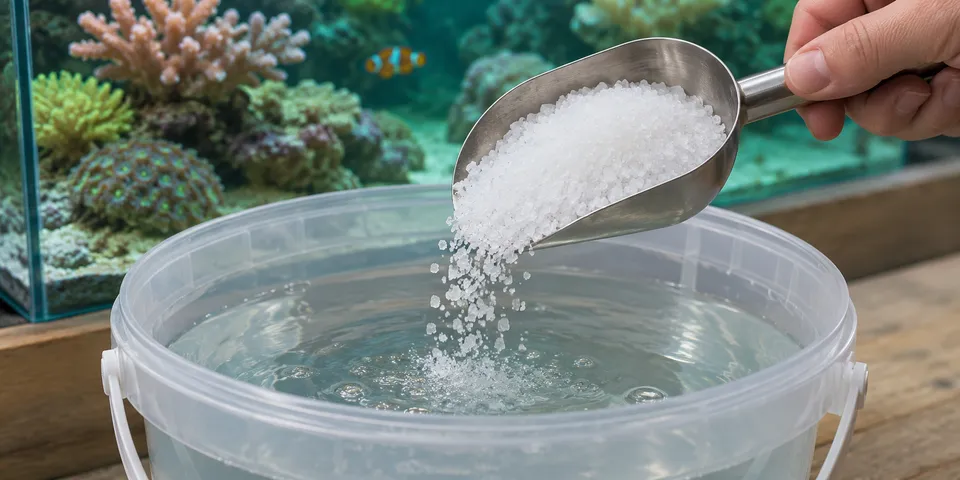
Scale product directions for a new batch or plan separately mixed correction water.
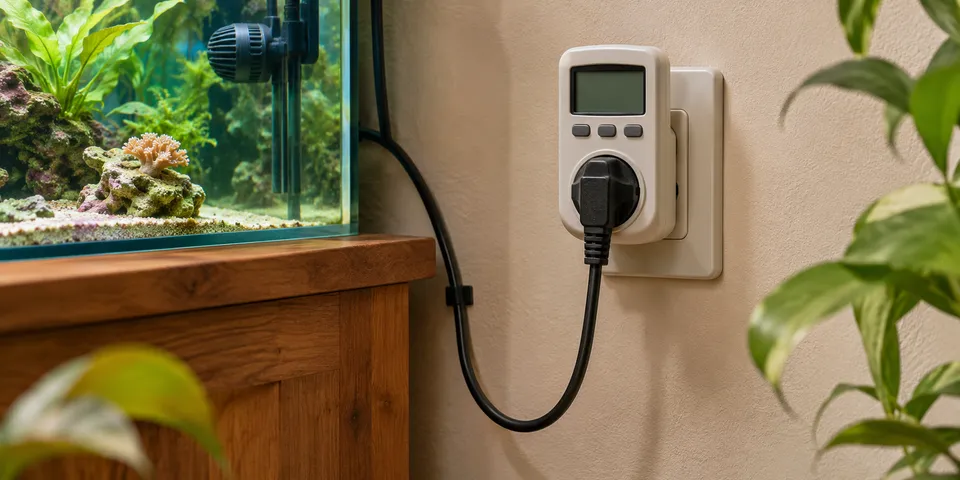
Estimate electricity, replacement water, and recurring aquarium expenses.
Explore aquarium planning tools for tank setup, stocking, aquascaping, nutrients, and planted tank care.
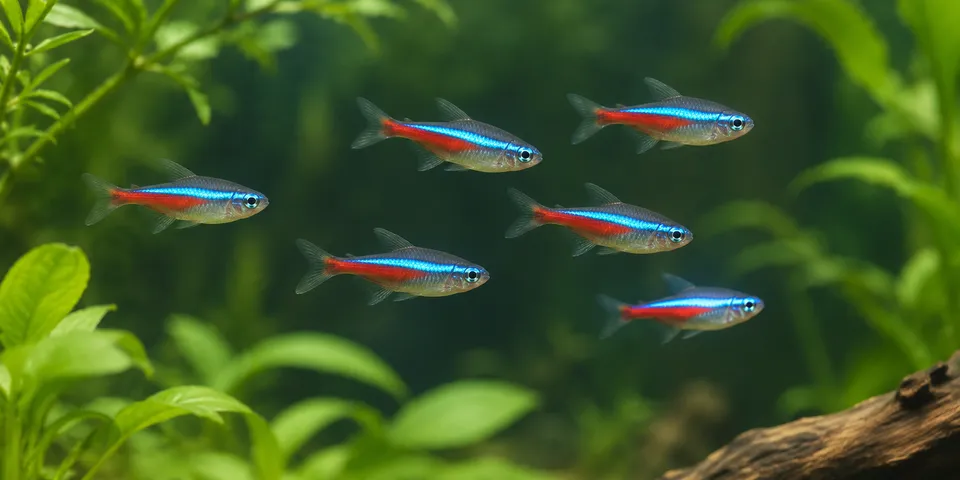
Build a fish list and compare estimated stocking, adult size, temperature, pH, and temperament.
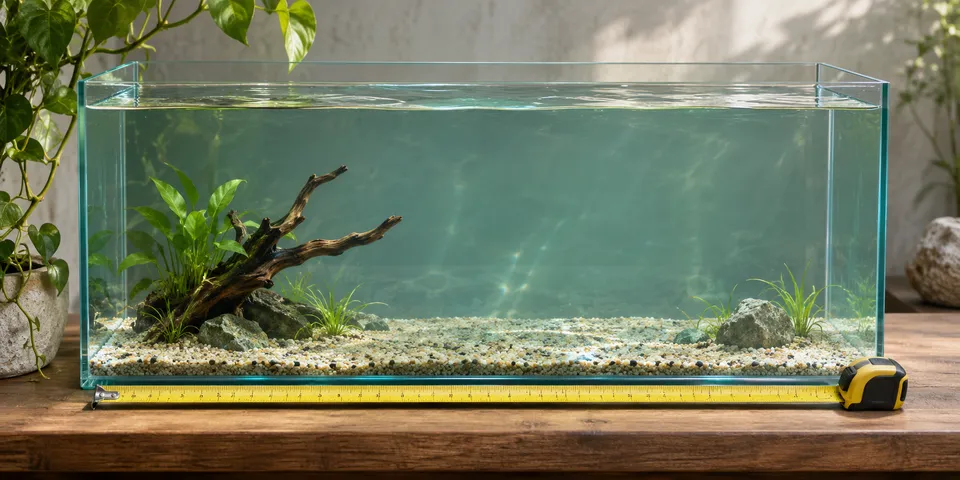
Calculate aquarium capacity from external tank dimensions in centimeters, inches, liters, or gallons.
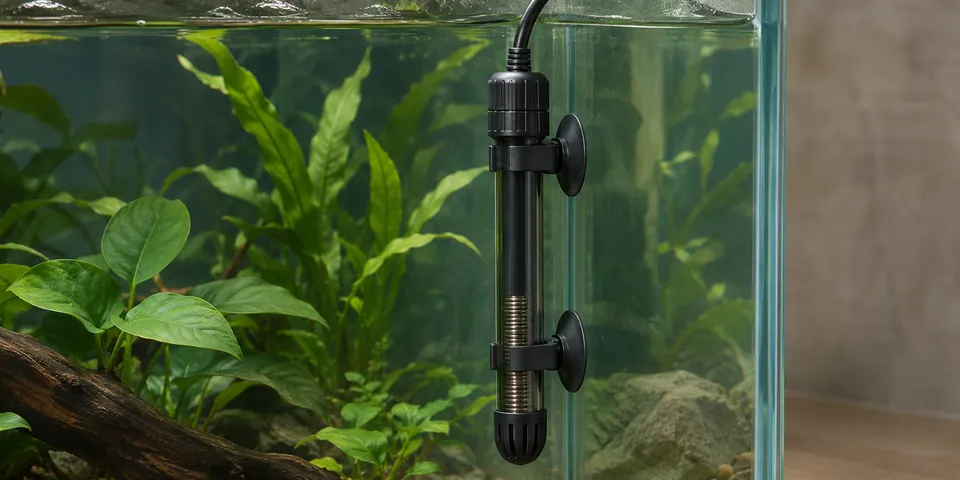
Estimate heater wattage from tank volume and the required room-to-water temperature rise.
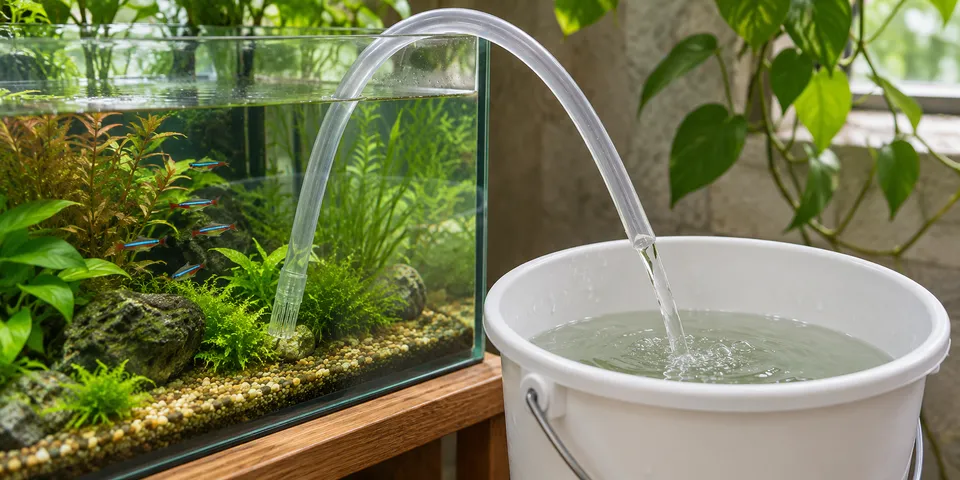
Calculate routine replacement volume or the change needed to lower nitrate to a target.
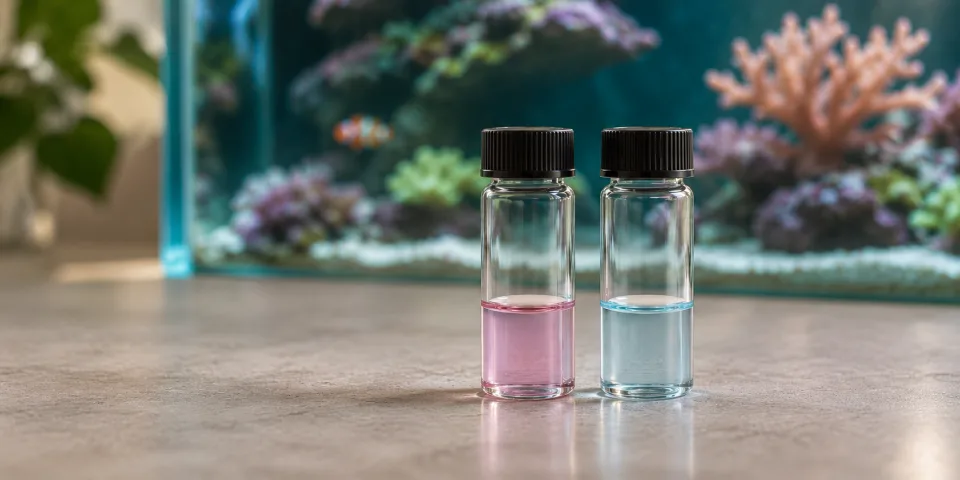
Check NO3 and PO4 balance against preset ratio targets for planted aquarium fertilizing.
Get the app
Download on iOS or Android to log water tests, plan maintenance, and get reminders on the go.
4.837 ratings
4.647 ratings
Cookies & analytics
We use cookies to understand how Aquarium Tracker is used. You can decline non-essential tracking and the site will keep working.